English: Technology & the Internet
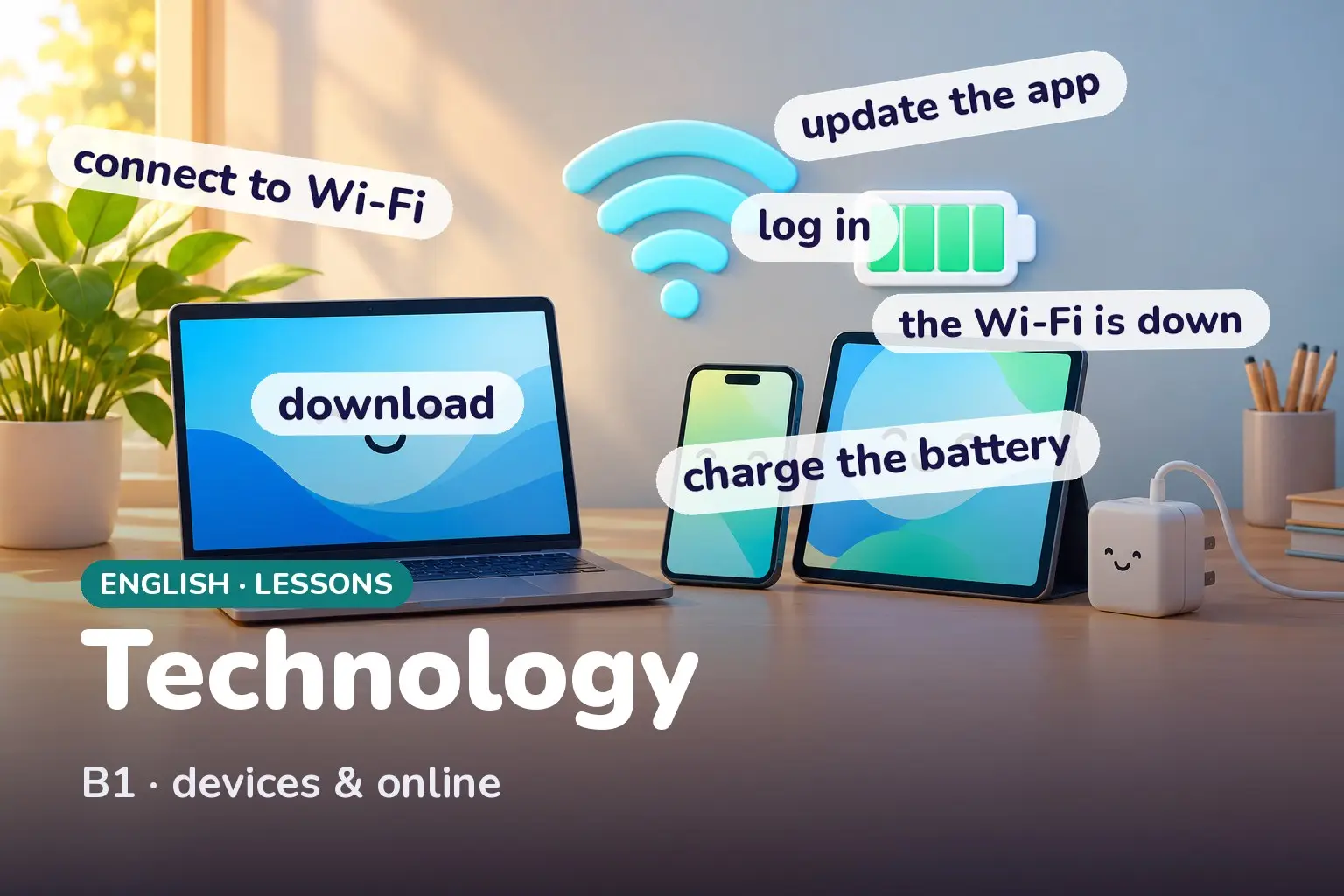
To talk about technology in English, learn the device words (smartphone, laptop, charger, screen) and the online verbs (download, upload, log in, update, back up). Most tech problems are described with a few simple patterns: 'It's not working', 'I can't log in', and 'The Wi-Fi is down'.
On this page12 sections · tap to jump
Level: B1. Technology English is built from a small set of device words and a set of two-word verbs for doing things online. Once you know them, you can set up an account, describe a problem, and ask for help. This lesson gives you the vocabulary and the exact phrases, with the collocations that English speakers actually use.
By the end of this page you can…
…name your devices and their parts, use the common online verbs correctly, and describe a technology problem clearly enough to get help.
Device vocabulary
A device is any piece of electronic equipment: a smartphone (or just phone), a laptop, a desktop (computer), a tablet. Each has a screen, a keyboard, a battery, and needs a charger and a cable to charge. Small programs are apps; the system that runs them is the software; the physical parts are the hardware.
Online, you visit a website using a browser, you have an account protected by a password, and you connect through Wi-Fi or mobile data. A file sent with an email is an attachment; a clickable address is a link.
| English | What it means |
|---|---|
| device | any piece of electronic equipment |
| app | a small program on a phone or tablet |
| browser | the program you use to open websites |
| account | your personal space on a site, with a password |
| charger | the plug and cable that recharge a battery |
| attachment | a file sent together with an email |
Online verbs — mostly two-word verbs
The verbs are the heart of this lesson, and most come in pairs:
- log in / log out (or sign in / sign out): enter and leave your account.
- sign up: create a new account.
- set up: prepare a device or account for first use.
- back up: save a copy somewhere safe.
- download / upload: bring a file to your device / send a file from it.
Single verbs matter too: you install and update an app, charge a battery, search for something, browse a site, stream a film, and enter a password.
Collocations — the right verb with the right noun
English pairs certain verbs with certain tech nouns. Using the wrong one sounds odd:
- charge a phone / a battery (not load a phone)
- install / update an app (not put an app)
- enter / type a password (not write a password, usually)
- connect to Wi-Fi (not open Wi-Fi)
Describing a problem
Tech problems use a few fixed patterns. The most common is not working:
- It’s not working.
- My laptop won’t turn on.
- The app keeps crashing. (crashing = closing suddenly by itself)
- The Wi-Fi is down. (down = not available right now)
- I can’t log in — it says my password is wrong.
A short conversation
Friend: Can you help me? I can’t log in to my account. You: What does it say? Friend: It says my password is wrong, but I’m sure it’s right. You: Try resetting it — there should be a Forgot password link. Friend: Found it. It’s sent a link to my email. You: Open the link, enter a new password, and you’re back in.
Usage notes
- internet vs online: the internet is the network (a noun); online describes being connected (I’m online, an online shop).
- Wi-Fi vs data: Wi-Fi is a local wireless connection; (mobile) data is the internet through your phone network. You can run out of data, not of Wi-Fi.
- log in (verb) vs login (noun): I log in (two words, verb) but my login details (one word, noun/adjective).
- click / tap / swipe / scroll: you click with a mouse, tap and swipe on a touchscreen, and scroll up or down a page.
Example sentences
Press play and say each line out loud — these are everyday tech phrases you will really use.
- My phone battery is almost dead.Dead = completely empty.
- I need to charge my laptop.Charge a battery or device.
- Could you send me the link?A link is a clickable address.
- I can't connect to the Wi-Fi.Connect to Wi-Fi, not open it.
- The download is almost finished.Download brings a file to you.
- Can you upload the photos to the website?Upload sends files away from your device.
- I forgot my password.You forget the password, not the account.
- Let me log in to my account.Log in = enter your account.
- You need to sign up first.Sign up = create a new account.
- Please update the app before you use it.Update an app to the newest version.
- The app keeps crashing.Keeps + -ing for a repeated problem.
- My laptop won't turn on.Won't = refuses to.
- The Wi-Fi is down again.Down = not available right now.
- Did you back up your files?Back up = save a safe copy.
- I'll install it now.Install an app or program.
- Just tap the screen to open it.Tap on a touchscreen.
- Scroll down to find the button.Scroll up or down a page.
- There's an attachment in the email.An attachment is a file with an email.
- The page keeps loading slowly.Describing a repeated slow problem.
- Enter your password and press enter.Enter or type a password.
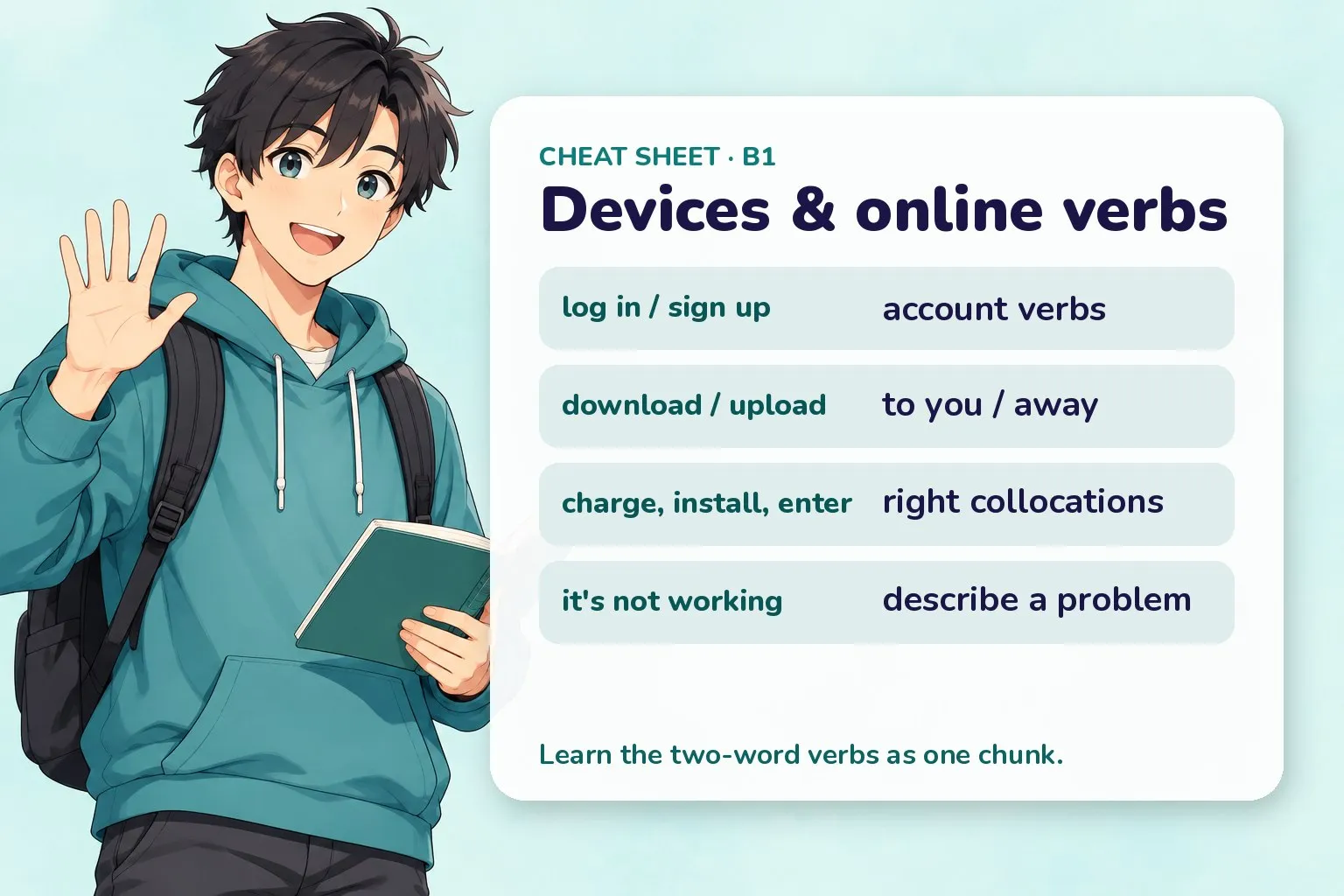
Quick recap before you practise.
Practice
Technology and the internet practice
Try each one, then press Check. No sign-up, nothing is sent anywhere — it all runs in your browser.
Hint: what you do with a plug and cable
Show answer
charge — You charge a phone or battery, not load it.
Hint: keeps + -ing
Show answer
keeps — Keeps + -ing shows a problem that repeats: the app keeps crashing.
5 Put the words in order to create a new account.
Show answer
You need to sign up first — Sign up means create a new account: You need to sign up first.
6 Match each verb to the right noun.
- install
- enter
- back up
- connect to
Show answer
- install → an app
- enter → a password
- back up → your files
- connect to → the Wi-Fi
These are the standard tech collocations English speakers use.
How to say it
A few tech words trip up English learners — copy the sounds, not the spelling.
- Wi-Fi is said WHY-fy, two clear beats, not wiffy.
- password keeps a clear s and stresses the first part: PASS-word.
- download stresses the first part: DOWN-load; upload is UP-load.
- browser rhymes with rouser: BROW-zer, with a z sound in the middle.
Quiz
Technology and the internet quiz
8 questions · pick an answer and you'll see straight away if it's right.
-
Show answer
upload them — Upload sends files from your device to the internet.
-
Show answer
charge my phone — You charge a phone or battery.
-
Show answer
sign up — Sign up = create a new account; log in = enter an existing one.
-
Show answer
not available right now — Down means not working or unavailable at the moment.
-
Show answer
The app keeps crashing. — Use keeps + -ing for something that happens again and again.
-
Show answer
a file sent with an email — An attachment is a file sent together with an email.
-
Show answer
my login details — Login (one word) is the noun; log in (two words) is the verb.
-
Show answer
scrolling — You scroll up or down a page; you tap and swipe with your finger.
Recap cheat-sheet
| Idea | Pattern | Example |
|---|---|---|
| Device words | device, app, browser, charger | My app keeps crashing. |
| In / out | log in / log out, sign up | You need to sign up first. |
| Direction | download (to you) / upload (away) | Upload it to the website. |
| Collocations | charge a phone, install an app, enter a password | Enter your password. |
| Problem | it’s not working, keeps + -ing, is down | The Wi-Fi is down. |
| Touchscreen | tap, swipe, scroll | Scroll down to the button. |
Next
- Previous lesson: English: Emergencies & Safety
- Next lesson: English: News & Current Affairs
- New here? Start with Start Learning English Here
All English lessons topics
Vocabulary, pronunciation, phrases, practice and exam help, ordered by level. Pick a topic and go straight to it. New lessons go live every day, so topics marked Coming soon fill in over the next weeks.
Lessons
A1 9 topics · 9 ready
A2 14 topics · 14 ready
- 10 English: Describing People
- 11 English: Ordering at a Cafe
- 12 English: Shopping & Prices
- 13 English: Clothing & Sizes
- 14 English: Asking for Directions
- 15 English: Using Public Transport
- 16 English: At the Hotel
- 17 English: Weather & Seasons
- 18 English: Hobbies & Free Time
- 19 English: Daily Routine
- 20 English: Housing & Rooms
- 21 English: Parts of the Body
- 22 English: Emotions & Feelings
- 23 English: Supermarket & Groceries
B1 19 topics · 19 ready
- 24 English: Household Chores
- 25 English: At the Doctor
- 26 English: Making Appointments
- 27 English: Making Plans & Invitations
- 28 English: Phone & Messaging
- 29 English: Expressing Opinions
- 30 English: Talking About Past Experiences
- 31 English: Future Plans & Goals
- 32 English: School & Education
- 33 English: Jobs & Professions
- 34 English: Money & Banking
- 35 English: Restaurant & Dining Out
- 36 English: Travel & the Airport
- 37 English: Sightseeing & Tourism
- 38 English: Emergencies & Safety
- 39 English: Technology & the Internet You are here
- 40 English: Complaints & Solving Problems
- 41 English: Small Talk & Networking
- 42 English Small-Talk & Politeness Culture
B2 11 topics · 11 ready
- 43 English: At the Office
- 44 English: The Job Interview
- 45 English: Formal Writing & Emails
- 46 English: News & Current Affairs
- 47 English: Environment & Nature
- 48 English: Health & Lifestyle
- 49 English: Culture & Traditions
- 50 English: Describing Trends & Data
- 51 English: Storytelling & Narration
- 52 English: Giving a Short Presentation
- 53 Writing Business Emails in English